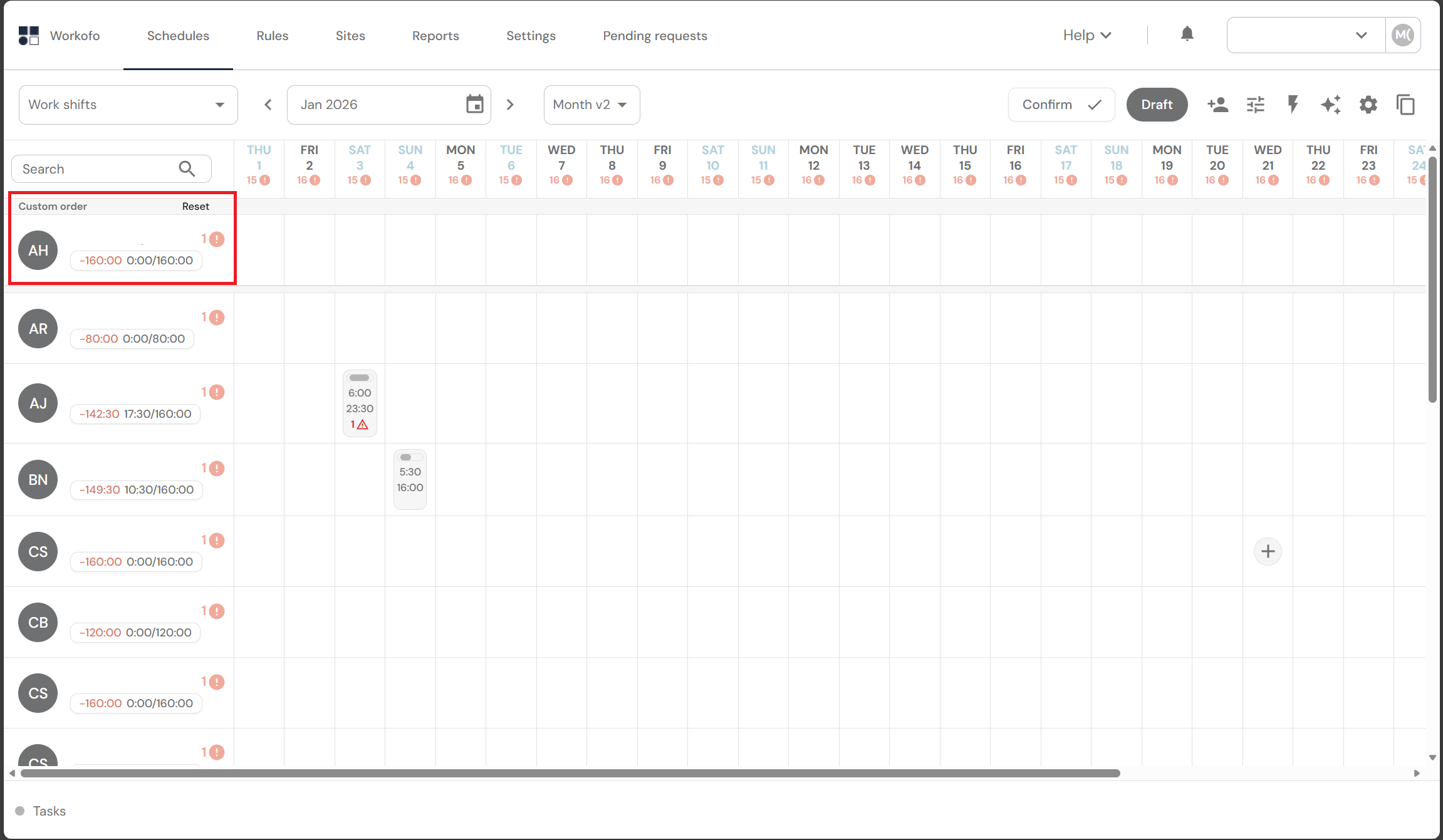
In the main schedule display window, you can adjust the list of employees by dragging them into the desired order. This may be justified by personal reasons of the manager when no sorting rules can be applied. This view is applied for one month.
This functionality is designed for the Month V2 schedule view.
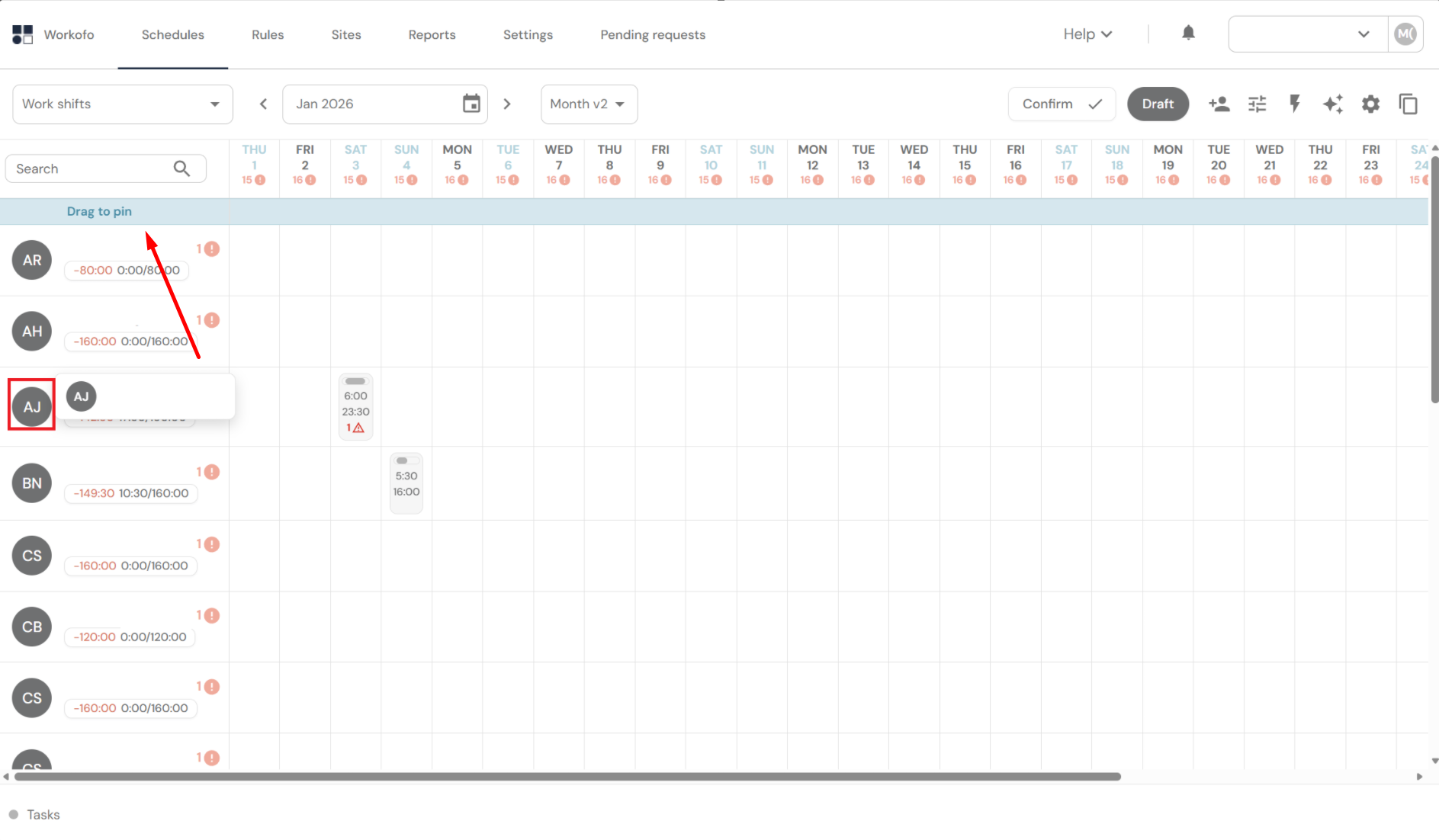
1. In the Month V2 view, left-click (and hold) on the employee's avatar and drag it to the "Drag to pin" location in the employee list.
2. To remove the created custom display of the employee list, click "Reset."