
The Lock function works only with the Actual schedules.
Only an Organizational Manager can unlock the schedule:
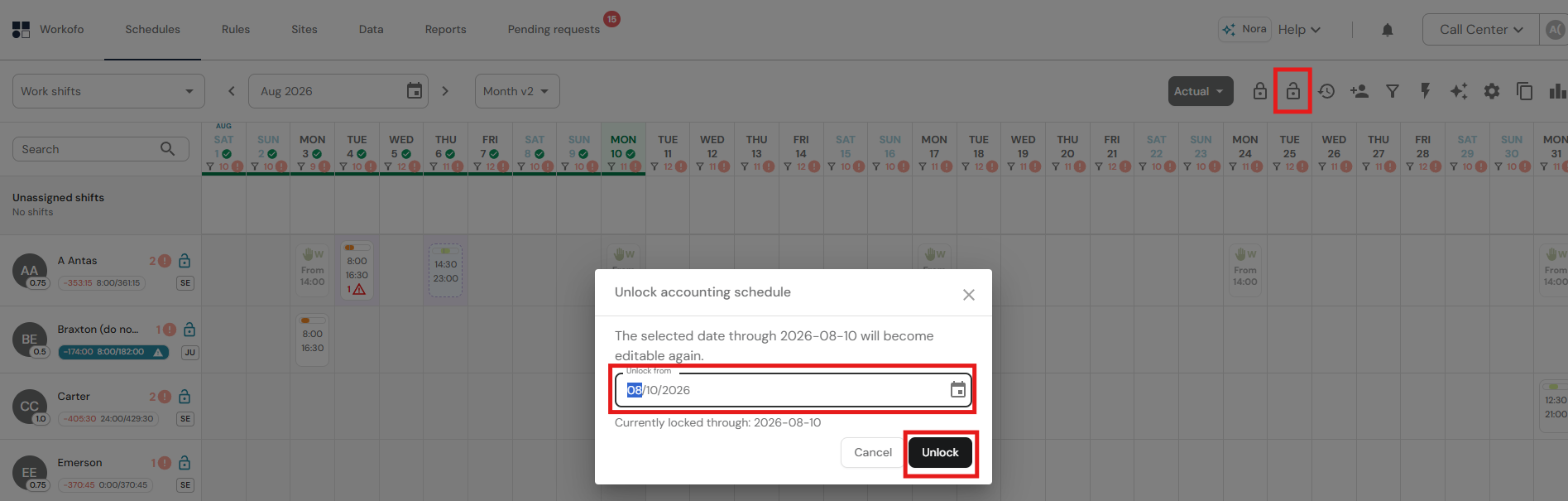
1. Open the relevant Actual schedule.
2. Click the unlock icon.
3. Select the Unlock from date.
4. Click Unlock.
5. Make the required corrections.
6. Lock the schedule again before transferring its data to the payroll system.
The history icon next to the padlock can be used to review the accounting lock history.