
This feature is designed for quick shift creation when shift templates are configured in advance.
You can view existing templates in the Settings window.
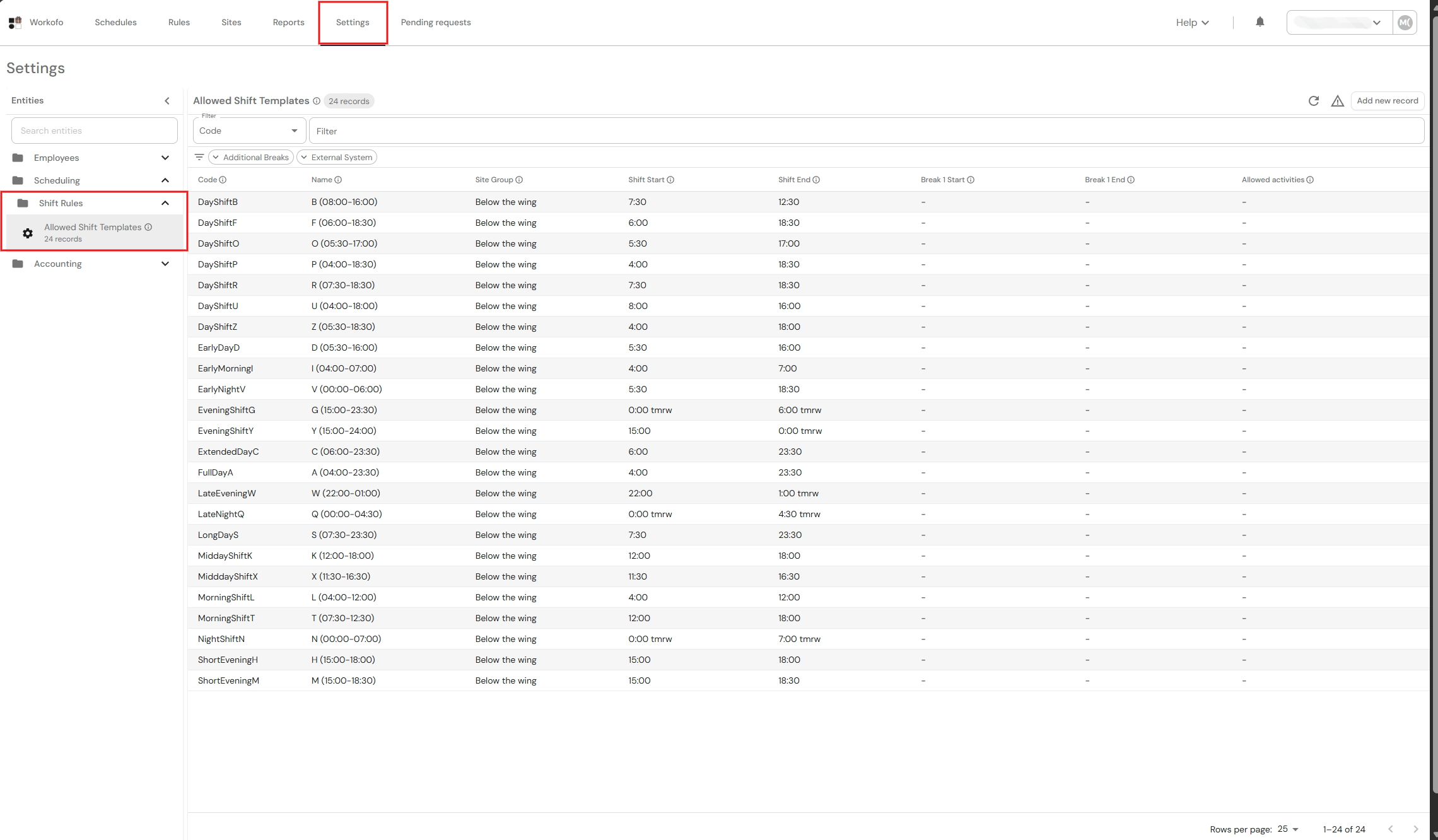
Users can select existing templates when creating a new shift in the Month v2 view.
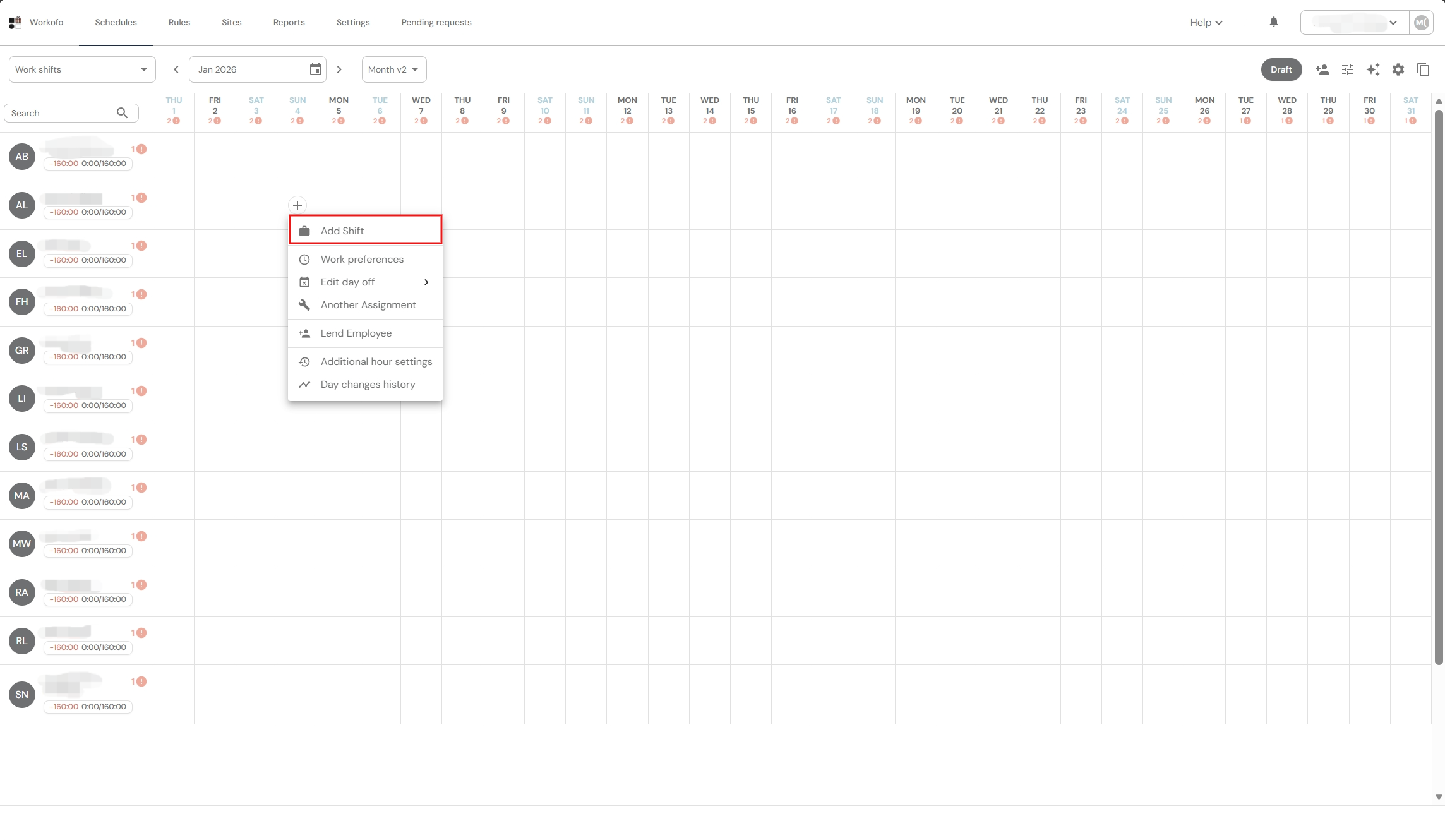
1. In the Month v2 view, select the desired employee and open the menu bar with the left mouse button, where we select "Add shift."
2. In the window that opens, click "Quick Select" and expand the list of created shift templates.
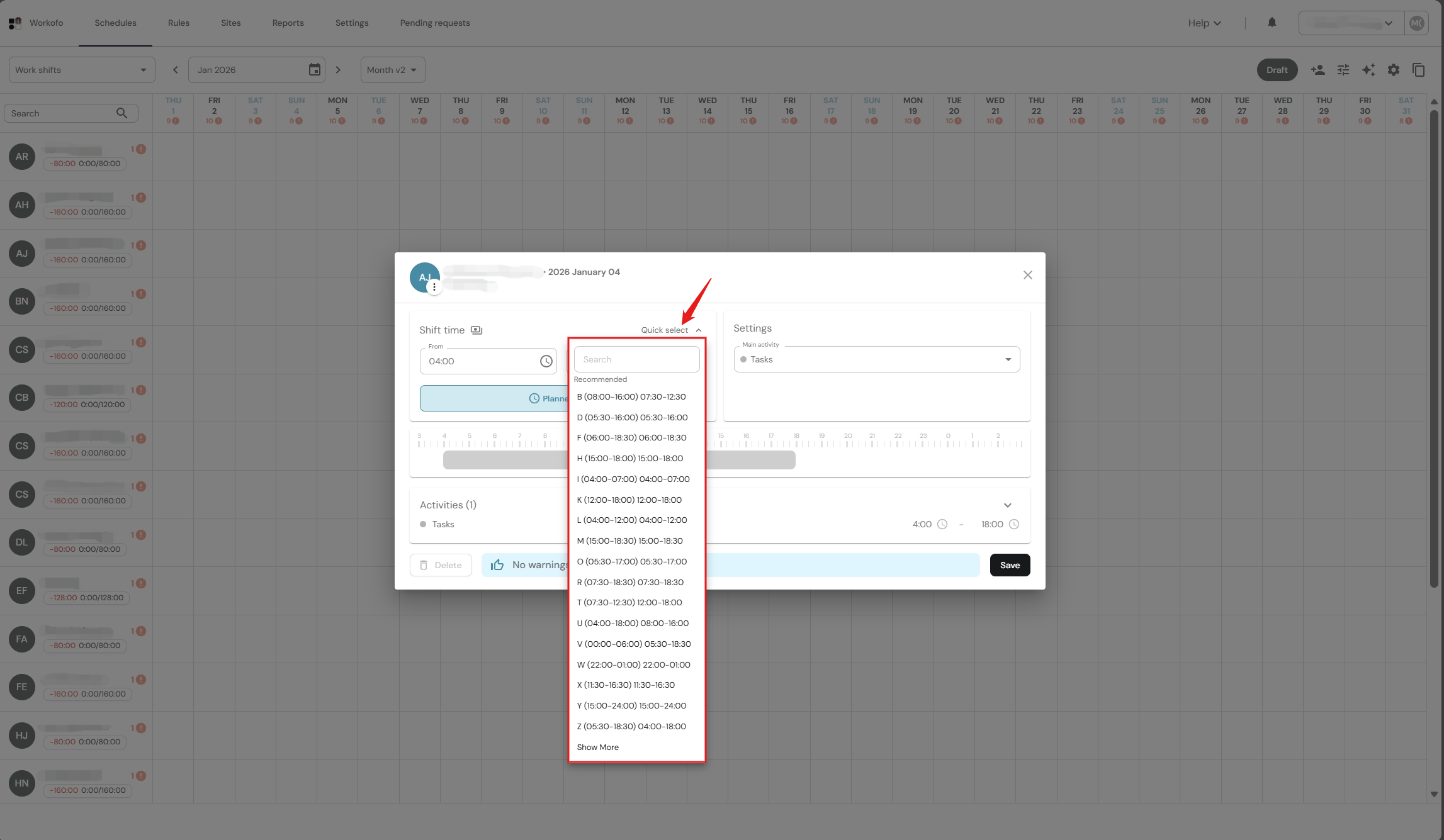
3. Select the desired template and click Save.
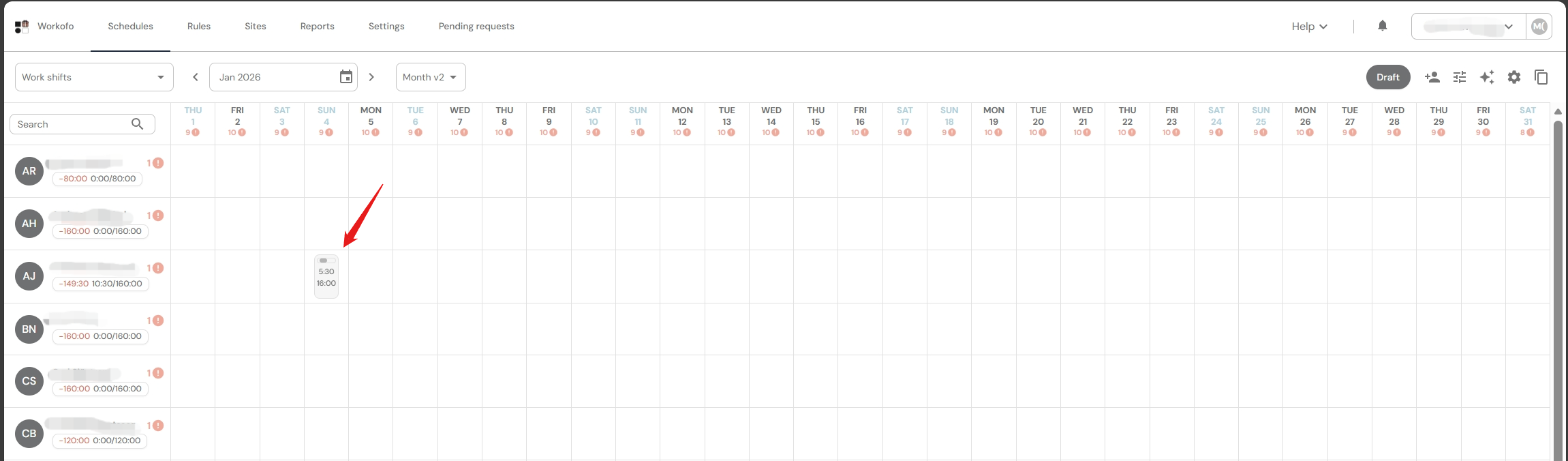
4. The shift has been created!
Related articles:
Shift errors, what are they and how to resolve them?
Functionality - select an alternative shift
Functionality - correct a shift
How do I create a shift using a smart system recommendation?